
Ad hoc automation
Teams rely on cron jobs, scripts, and task‑specific tools.
Signs you’re in this stage: No central control, inconsistent runs, lots of manual work, limited visibility.
Speak to a rep about your business needs

See our product support options
General inquiries and locations
Contact us
Stay in control of your most important workflows across cloud and on-site systems—reduce errors, meet commitments, and simplify tasks.
What is Workflow Orchestration?
Workflow orchestration platforms like Control‑M replace tool-by-tool scheduling and DIY automation with a centralized, governed system designed to handle the workflows other tools can’t reliably support.
At scale, what breaks isn’t job execution—it’s coordination or orchestration. Below are the operational issues that typically show up first and drive the need for workflow orchestration.
Dependencies break without warning
Small changes—like schema updates, API tweaks, or environment shifts—can quietly break downstream steps when teams rely on isolated schedulers or one off scripts.
No single place to see what’s going on
Each tool only shows its own piece of the puzzle. Without one view of the whole workflow, teams can’t easily see risks, delays, or everything tied to a key SLA.
Manual fixes pile up
As workflows grow more complex, quick scripts and patchwork automations start to fail more often and teams end up firefighting.
Failures stay hidden in different tools
Data pipelines, legacy jobs, cloud triggers, and SaaS workflows fail differently. Without end to end visibility, it’s hard to know what broke or where to start troubleshooting.
Cloud schedulers only go so far
Cloud native tools work well inside their own ecosystem but don’t reliably run workflows that cross clouds, span multiple teams, or need strong governance and audit trails.
The following use cases show where workflow orchestration platforms can deliver the greatest value.

Workflow orchestration connects processes across systems, prioritizes critical tasks, and triggers automated recovery when issues occur—preventing delays from cascading and helping teams to consistently meet SLA commitments.

Instead of juggling multiple automation tools, orchestration gives teams a single control layer across systems. Teams benefit from clear visibility, consistent policies, and easy auditing—without having to replace the tools they already use.
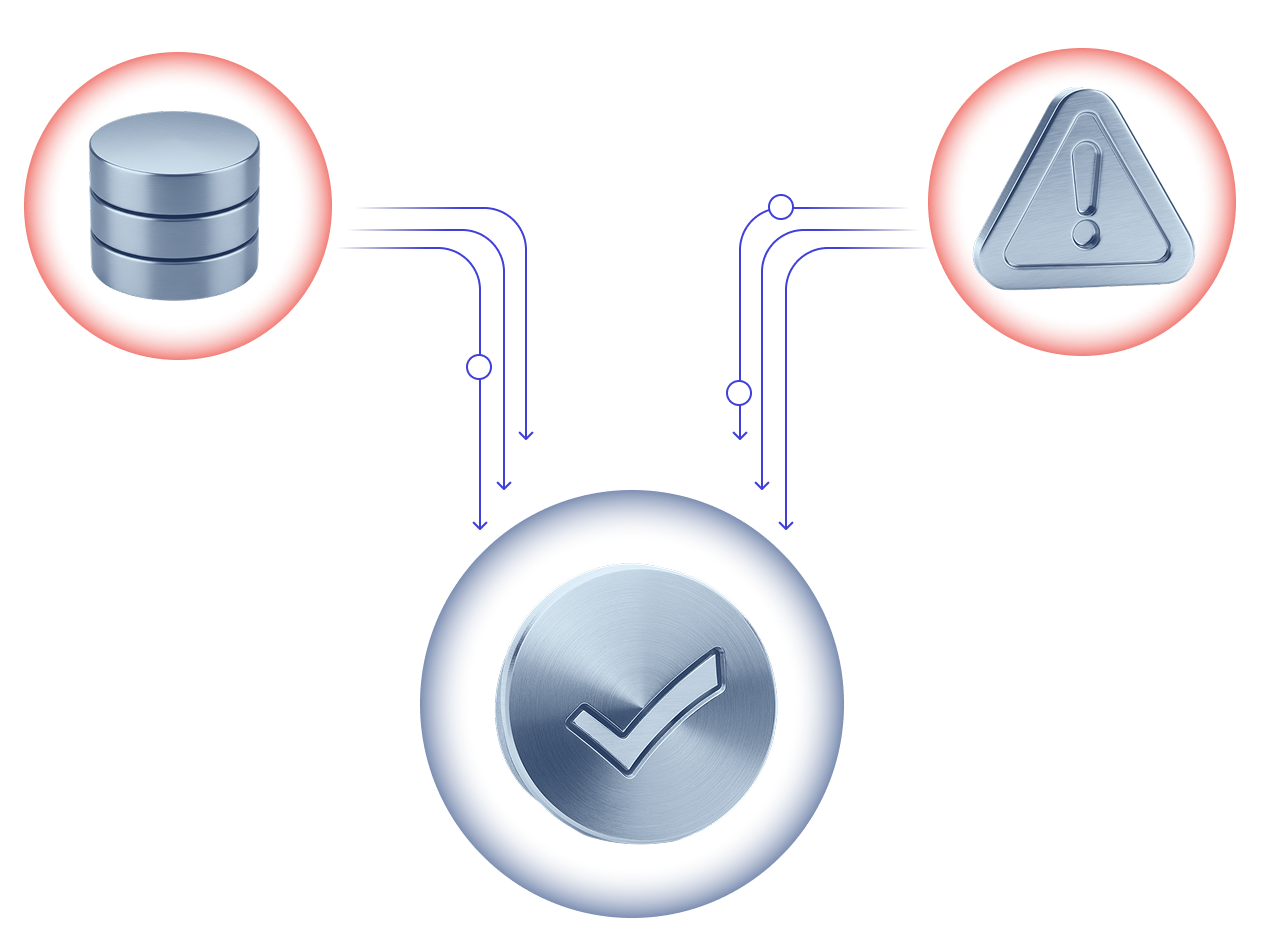
Orchestration coordinates data pipelines as end-to-end workflows, managing dependencies across systems and environments. Issues are detected quickly, retries and recovery run automatically, and dependencies across hybrid environments stay coordinated—keeping reporting, analytics, and AI pipelines running reliably.

Orchestration integrates CI/CD pipelines with downstream data and operational workflows, coordinating dependencies so releases trigger the right processes at the right time. Teams move faster while governance, audit trails, and change controls remain enforced.
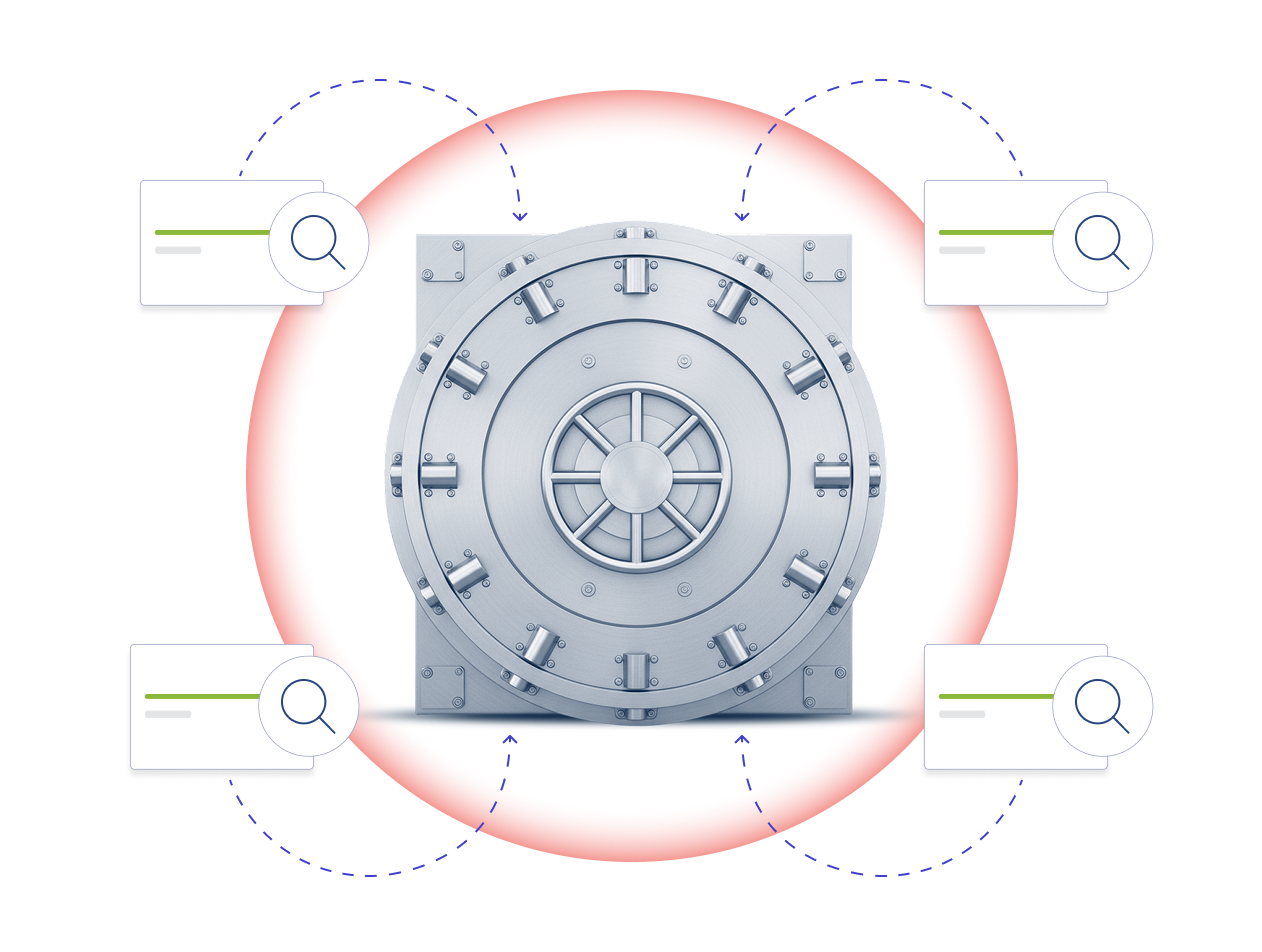
Orchestration builds policies, monitoring, and full run history into daily operations. By enforcing execution controls and maintaining a complete audit trail, teams can simplify compliance and recover quickly when issues occur.
Confirm your workflow maturity and plan next steps as processes grow in scale, complexity, and impact.

When evaluating a workflow orchestration platform, focus on how it can keep workflows reliable, visible, and under control.
| What to Look For | Why IT Matters for Enterprises |
|---|---|
| Cross-domain orchestration | Connects application, data, and infrastructure workflows across hybrid and multi-cloud environments to simplify operations. |
| SLA visibility and automation | Monitors workflows in real time, receives alerts, and automates remediation to prevent missed SLAs and downtime. |
| Governance and policy enforcement | Applies centralized, policy-driven controls to maintain compliance, security, and consistent operations. |
| Scalability and high-volume management | Can handle thousands or millions of workflows reliably to support growth. |
| Integration with DevOps and data pipelines | Accelerates CI/CD and data workflows without slowing releases or business innovation. |
| Security and compliance | Ensures audit readiness, protects sensitive data, and meets industry regulations. |
Lightweight schedulers and open-source workflow tools can be effective for small projects, but they fail to scale and enforce governance in complex environments.
| Feature / Capability | Lightweight schedulers | Open-source workflow tools | Cloud-native automation | Workflow orchestration platform (Control-M) |
|---|---|---|---|---|
| Enterprise-scale workflows | Limited to project-level workflows. | Require significant customization to scale. | Often tied to a specific cloud environment. | Built for high-volume, cross-domain workflows across the enterprise. |
| Hybrid and multi-cloud support | Minimal, typically environment-specific. | Limited to what is configured. | Usually cloud-specific, not hybrid-ready. | Native support for hybrid and multi-cloud orchestration. |
| SLA awareness and monitoring | Basic or manual monitoring only. | Often require scripting to achieve SLA visibility. | Monitoring varies by platform. | Provides real-time SLA visibility and automated remediation. |
| Governance and policy enforcement | Minimal controls. | Require custom implementation for governance. | Lightweight controls. | Centralized, policy-driven governance across all workflows. |
| Operational visibility | Localized and siloed. | Partial, developer-focused. | Limited to cloud context. | Unified, cross-domain, real-time dashboards. |
| Integration with DevOps and data pipelines | Limited or manual integration. | Require manual configuration. | Often cloud-specific. | Built-in orchestration for CI/CD and enterprise data pipelines. |
| Security and compliance | Basic, local security only. | Depends on community best practices. | Security varies by cloud provider. | Enterprise-grade, audit-ready, regulated-industry support. |
| Automation consolidation | Not supported. | Fragmented. | Often siloed per cloud. | Consolidates fragmented schedulers and automation tools into a single control plane. |
| Resilience and reliability | Low for complex workflows. | Dependent on configuration. | Limited outside the cloud. | SLA-aware orchestration designed for multi-cloud operations. |
Global Reach
Supports large organizations with workflows across applications, data pipelines, and infrastructure.
Hybrid and Multi-Cloud Coordination
Orchestrates workflows across on-premises systems, private clouds, and multiple public clouds.
Operational Reliability
Helps reduce SLA failures, streamline workflow management, and centralize visibility and control.
Governance and Compliance
Applies consistent policies, reduces audit risks, and supports regulated industries like financial services, healthcare, and manufacturing.
Analyst Recognition
Recognized by industry analysts for leadership in workflow orchestration.